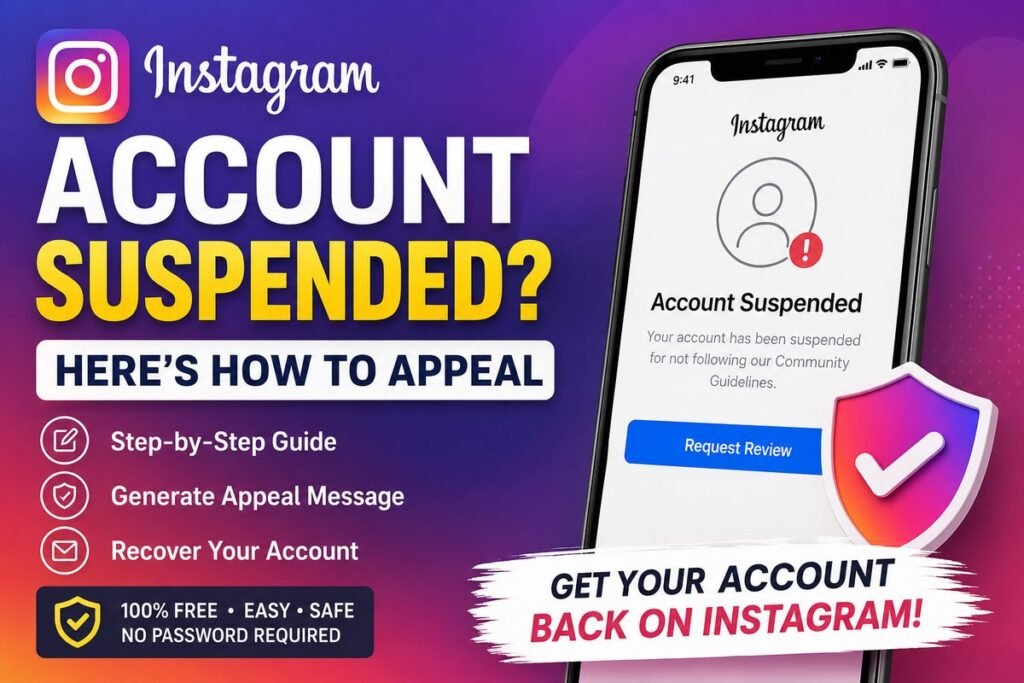
Instagram Account Suspended? Create a Professional Appeal
If your Instagram account has been suspended or disabled, use this free tool to prepare a clear and professional appeal message using the details you provide.
Create Your Appeal Message
Enter your account details below. Your information is used only in your browser to prepare the message.
✓ Your Appeal Message Is Ready
Review the message before using it.
Instagram Account Suspended or Disabled?
Seeing a suspension or disabled-account message on Instagram can be stressful, especially when you believe you have not intentionally broken any rules. The first thing to do is understand what Instagram is actually showing you.
According to Instagram’s Help Center, if an account has been disabled, users may see a message when they try to log in. If they believe the decision was made by mistake, Instagram says they may be able to request a review by opening the app, entering their username and password, and following the on-screen instructions.
View Instagram’s Official HelpWhat Should You Do After an Instagram Suspension?
Check the Message
Try logging in and carefully read the message Instagram displays. A disabled account and a normal login problem may require different steps.
Follow the Review Option
If Instagram provides an option to request a review, follow the instructions shown in the app and provide accurate information.
Check Account Status
If you can still access your account, check Account Status for removed content, restrictions and available review options.
Why Can an Instagram Account Be Restricted?
Instagram can take action when activity or content is considered to violate its rules. However, the exact reason for an account action can vary, so it is better to check the message and Account Status instead of assuming the cause.
- Content or activity that may violate Instagram rules.
- Repeated policy violations or account restrictions.
- Copyright or intellectual-property related issues.
- Suspicious or unusual account activity.
- Security problems or unauthorized access.
Avoid Fake Instagram Recovery Services
Be careful with anyone claiming they can guarantee an Instagram account will be unbanned for money.
- Never share your Instagram password with a stranger.
- Never share verification codes or recovery codes.
- Avoid websites claiming to be “Instagram Support” unless you have verified the domain.
- Do not pay someone simply because they promise a guaranteed recovery.
What If You Can Still Access Your Instagram Account?
If you can access your account, check Instagram’s Account Status section. Instagram says Account Status can show removed content, features you cannot use and available options to request a review.
Check Instagram Account StatusFrequently Asked Questions
About This Instagram Appeal Tool
This free tool is designed to help users prepare a clear account-recovery or review message. It is an independent utility and is not affiliated with, endorsed by, or operated by Instagram or Meta.
The tool does not ask for your Instagram password and does not claim to have access to Instagram’s internal review systems. Always use Instagram’s official recovery and review options when they are available.