AI tools have become much easier to use over the last few years. You no longer need to be a developer or have an expensive subscription to get started with AI.
There are now plenty of AI apps and websites that offer useful features for free. You can use them to write something, search for information, create images, study a topic, work with PDFs, design social media posts, or even help with coding.
The only thing to keep in mind is that “free” does not always mean unlimited. Most AI services have usage limits or keep some advanced features behind a paid plan.
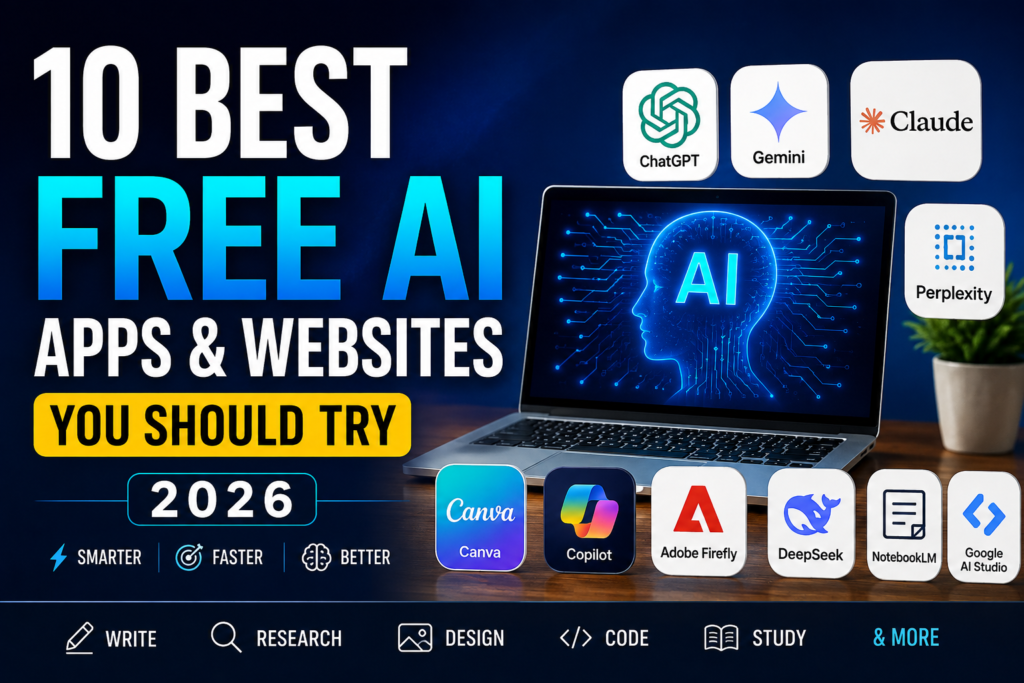
In this guide, we have picked some of the most useful free AI tools worth trying in 2026 and explained what each one is actually good for.
1. ChatGPT
ChatGPT is one of the easiest AI tools to start with. You can use it for writing, brainstorming, learning, summarizing information, generating ideas, and many everyday tasks.
It can also work with files and images on supported plans, which makes it useful beyond simple text conversations.
Best for:
- Writing and rewriting
- Learning and explanations
- Brainstorming ideas
- Summarizing content
- Everyday questions
Why try it?
The biggest advantage is its flexibility. You can use the same tool for completely different tasks instead of installing a separate app for everything.
The free version has usage limits, so people who use it heavily may eventually need a paid plan.
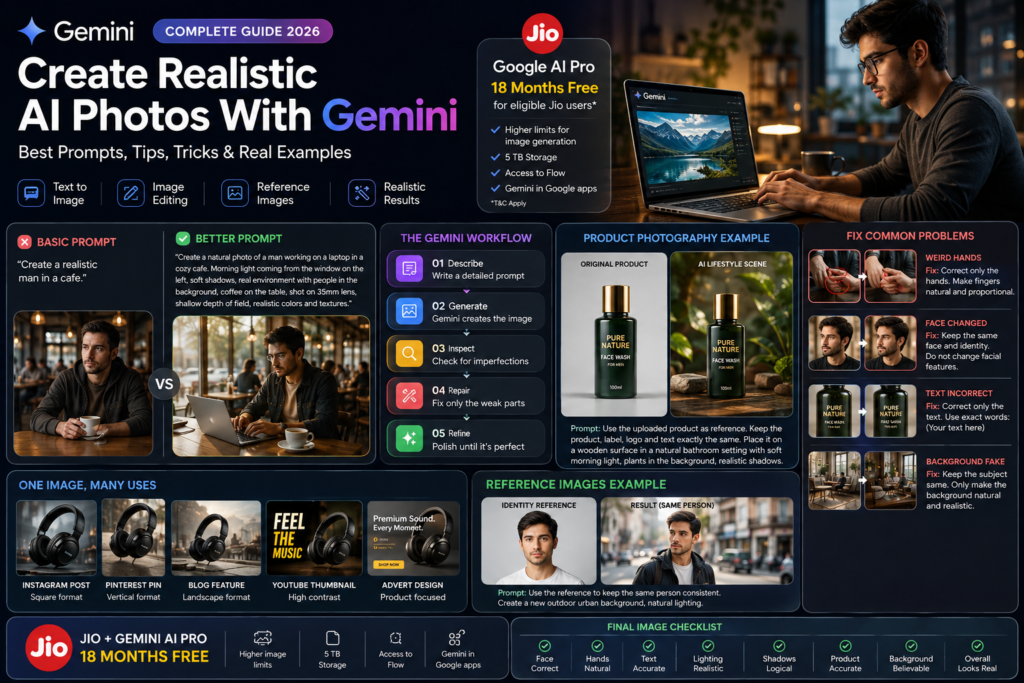
2. Google Gemini
Gemini is Google’s AI assistant and is particularly useful if you already use Google services.
It can help with questions, writing, research, brainstorming and other everyday tasks. Google has also been adding more AI features to Gemini, so it is worth checking what is available on the free tier.
Best for:
- General AI assistance
- Research
- Writing
- Google users
- Brainstorming
One useful thing about Gemini is that it fits naturally into Google’s wider ecosystem. However, some of its more advanced capabilities are limited depending on the account and plan.
3. Perplexity
If you mainly want an AI tool for searching and researching information, Perplexity is worth trying.
Instead of giving you only a conversational answer, it is designed around web search and normally provides sources that you can check yourself.
Best for:
- Research
- Finding recent information
- Comparing topics
- Quick fact checking
This makes it particularly useful when you don’t want to spend time opening dozens of search results.
4. Claude
Claude is another popular AI assistant that is especially good for writing and working through longer pieces of information.
It can be useful for drafting, editing, summarizing documents and explaining complicated subjects in a straightforward way.
Best for:
- Writing
- Editing
- Long documents
- Summaries
- Brainstorming
Like most AI services, the free version comes with limits, but it is still useful for occasional users.
5. Canva AI
Canva is already popular for graphic design, but its AI features make creating designs even easier.
You can use Canva for social media posts, presentations, thumbnails, posters and other visual content. AI-powered features can help generate ideas or speed up parts of the design process.
Best for:
- Social media designs
- Presentations
- Posters
- YouTube thumbnails
- Simple marketing graphics
For beginners, Canva is probably easier to get started with than professional design software.
6. Microsoft Copilot
Microsoft Copilot is another option for people who want an AI assistant for everyday tasks.
It can help with questions, writing, brainstorming and other productivity-related work. Its connection with Microsoft’s ecosystem can also make it useful for people who already use Microsoft products.
Best for:
- Everyday questions
- Writing
- Productivity
- Microsoft users
7. Adobe Firefly
If your main interest is creating images and other creative content, Adobe Firefly is worth checking out.
It is designed around generative AI for creative work and can be useful for experimenting with different visual ideas.
Best for:
- AI image generation
- Creative ideas
- Graphic design
- Image editing
Free usage is limited, so check the current allowance before relying on it for regular production work.
8. DeepSeek
DeepSeek has attracted a lot of attention for its AI models, particularly among people interested in reasoning and coding.
It can also be used for general questions and writing, making it another option to keep in your AI toolkit.
Best for:
- Coding
- Reasoning
- Technical questions
- General AI chat
Its usefulness will depend on the type of work you are doing, but it is worth trying if you want an alternative to the better-known AI assistants.
9. NotebookLM
NotebookLM is a little different from a normal chatbot. It is designed to work with information you provide, such as documents and notes.
This can make it useful for students, researchers and anyone who needs to understand a large amount of material.
Best for:
- PDF research
- Study notes
- Summarizing documents
- Research projects
One of the useful parts of NotebookLM is that you can base your questions around your own source material instead of starting from a completely blank conversation.
10. Google AI Studio
Google AI Studio is more useful for people who want to experiment with Google’s AI models or build AI-powered applications.
It is not necessarily the first tool I would recommend to a complete beginner, but developers and people learning about AI can get a lot more out of it.
Best for:
- AI experiments
- Developers
- Testing AI models
- Learning about generative AI
Which Free AI Tool Should You Try?
There isn’t one AI tool that is best for everyone.
If you want a general-purpose assistant, ChatGPT or Gemini are good places to start.
For research, Perplexity is worth trying.
If writing is your main requirement, Claude is another strong option.
For designs and social media graphics, Canva is probably the easiest choice for beginners.
If you regularly work with PDFs and study material, NotebookLM can be especially useful.
Final Thoughts
The good thing about AI tools in 2026 is that you don’t need to pay for several subscriptions just to experiment with them.
Start with the free versions and see which tools actually fit your work. You may find that one tool is enough for most of your daily tasks, while another is useful only for a specific job.
Just remember that free plans can change. Features, usage limits and availability may be different depending on the country, account and time you use the service.
If you are new to AI, there is no need to try everything at once. Pick one tool, spend some time with it, and see whether it genuinely saves you time.