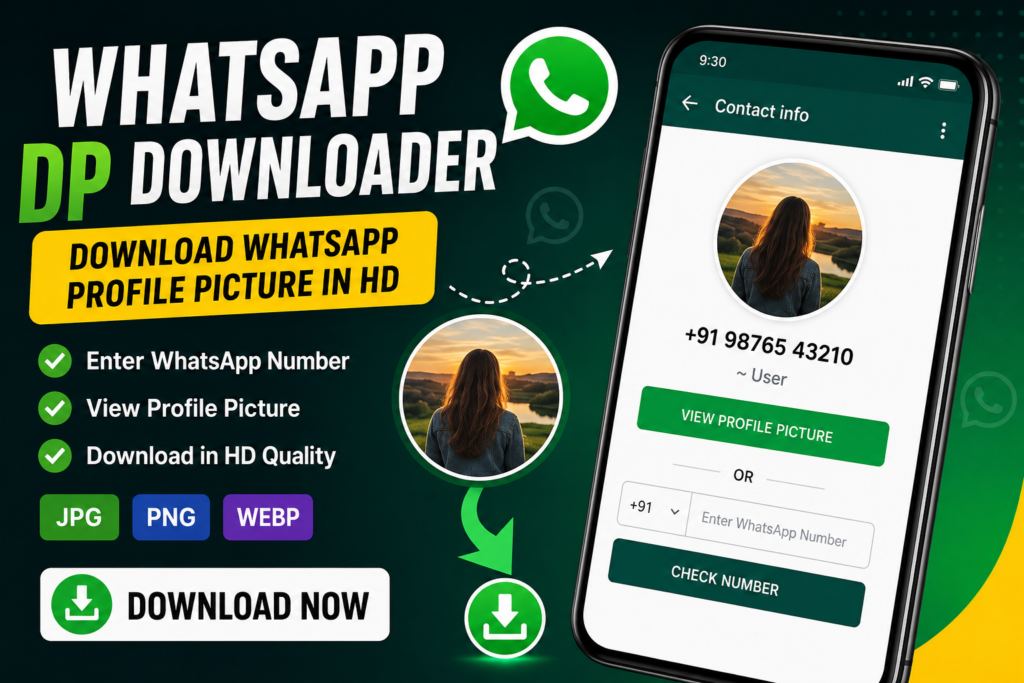
WhatsApp DP Downloader
Save and download a WhatsApp profile picture in JPG, PNG or WebP format.
1. Enter WhatsApp Number
2. Add the Profile Picture
Original Image
DP Preview
WhatsApp DP Downloader: How to Save a WhatsApp Profile Picture
A WhatsApp profile picture, commonly called a WhatsApp DP, is one of the most frequently viewed parts of a WhatsApp profile. Sometimes you may want to save a profile picture that you are allowed to save, but the image may not be available as a normal downloadable file.
This WhatsApp DP Downloader provides a simple way to prepare and save a profile picture or screenshot. You can upload an image, preview it, crop it into a square DP format and download it as JPG, PNG or WebP.
How to Use the WhatsApp DP Downloader
Step 1: Enter the WhatsApp Number
Select the country code and enter the WhatsApp number. The number is only used by this page for basic formatting and validation.
Step 2: Add the Profile Picture
If you have permission to save the picture, upload the profile picture or an image/screenshot containing it.
Step 3: Preview the Image
The tool creates a square preview that is suitable for a profile-picture format.
Step 4: Choose the Format
| Format | Best For |
|---|---|
| JPG | Small file size and photographs |
| PNG | Images where you want lossless output |
| WebP | Good quality with a smaller file size |
Can You Download a WhatsApp DP Using Only a Phone Number?
A normal website cannot reliably retrieve another person’s WhatsApp profile picture simply by receiving their phone number. WhatsApp controls profile-photo visibility through its privacy system, and a webpage should not claim that it can bypass those settings.
If you already have the image or a screenshot and have the right to save it, this tool can help you crop, resize and download it.
Why Is My WhatsApp DP Not Visible?
A WhatsApp profile picture may not be visible for several reasons. The account owner may have restricted profile-photo visibility, removed the profile photo, blocked access, or simply not set a profile picture.
Because profile-photo visibility is controlled by WhatsApp, a third-party website should not promise access to images that are not publicly available to the user.
JPG vs PNG vs WebP for WhatsApp DP
JPG
JPG is usually a good choice for photographs because it produces a relatively small file while maintaining reasonable visual quality.
PNG
PNG is useful when the image contains graphics, text or transparency and you want to avoid additional JPEG compression.
WebP
WebP can provide a good balance between image quality and file size and is supported by modern browsers.
What Image Size Should You Use?
| Size | Recommended Use |
|---|---|
| 256 × 256 | Small profile picture |
| 512 × 512 | Good general-purpose size |
| 1024 × 1024 | Higher-resolution copy |
For most normal uses, a square image around 512×512 pixels is more than enough. Keeping the image reasonably sized can also make it easier to share and store.
Tips for a Better WhatsApp DP
- Use a clear and sharp image.
- Keep the main subject near the center.
- Avoid placing important text near the edges.
- Use a square crop when possible.
- Do not enlarge a very small image too much.
- Save the original image before applying heavy compression.
Frequently Asked Questions
Final Thoughts
Saving and preparing a profile picture should be simple, but privacy should always come first. This tool is designed for images that you already have permission to save. It does not attempt to bypass WhatsApp’s privacy controls or access private account information.
If you need to resize or prepare a WhatsApp DP, upload the image above, choose your preferred format and download the finished image.